

What is Product Photo Editing? A Beginner's Guide?
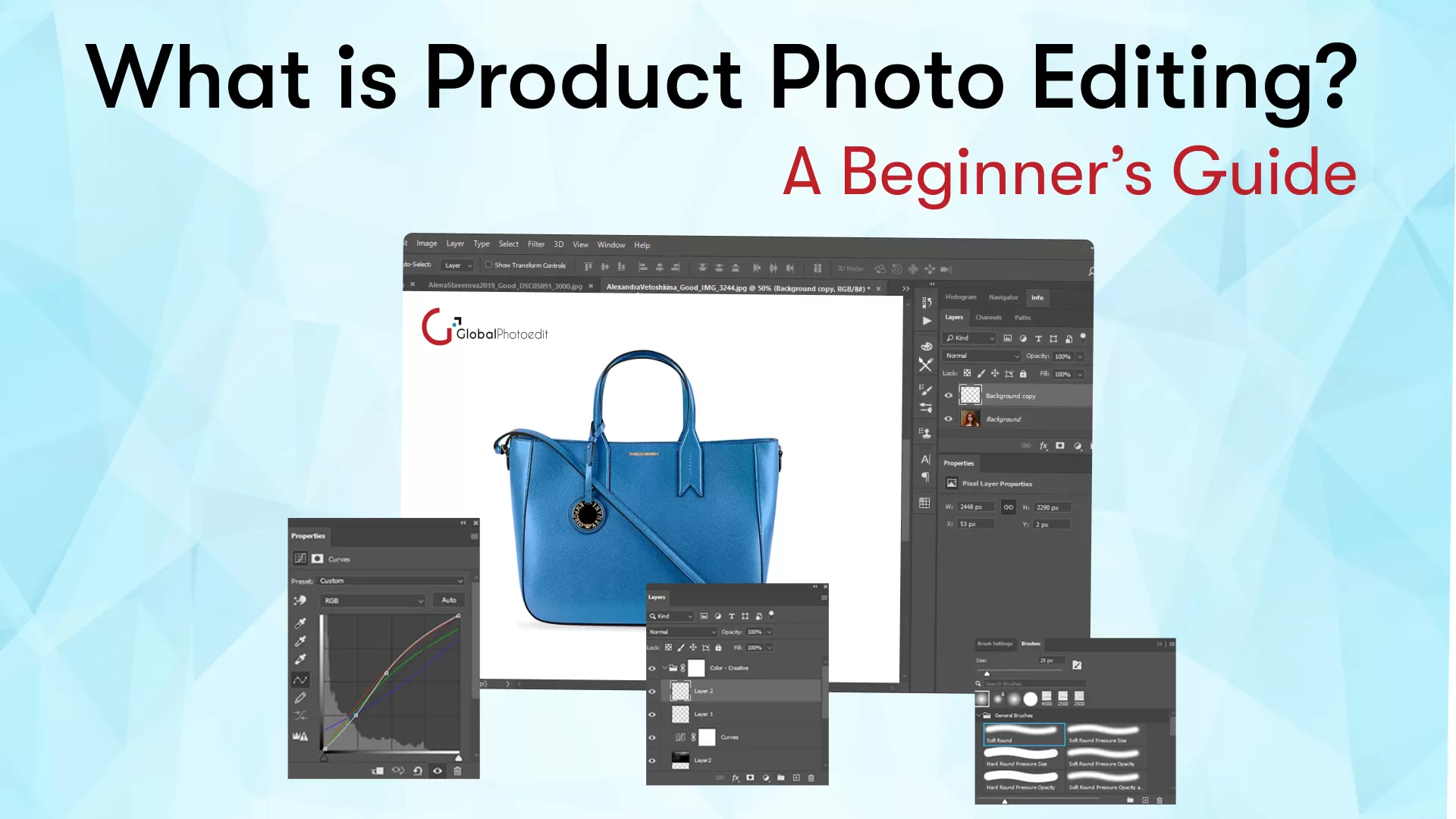
In the world of online shopping and digital marketing, visuals definitely speak louder than words. Be it clothes, gadgets, food, or furniture, the way a product looks may make or break the sale. This is where product photo editing comes into play.
Ever wondered how those online stores manage to make their products all look so perfect and professional? This beginner's guide should help. This guide will delve into what product photo editing is and why it's necessary; it will discuss various techniques employed and advise you on doing it opportunistically.
What is Product Photo Editing?
Product photo editing is the process of improving images to make them more appealing, perfect, and professionally accurate. It encompasses colour adjustment, brightness, background, shadows, and more within an image to make it seem flawless when viewed online or printed.
In a nutshell, photo editing generally transforms a raw product shot, making it ready for online stores, social media, or brochures. For instance:
- If you take a picture of a shoe, the background will be cluttered, and the lighting will likely be uneven.
- You can edit to remove the background, balance the lighting, and make the shoe shine.
To clean up, standardize, beautify, and best represent a product to persuade someone to buy it.
Why is Product Photo Editing Important?
In this digital era, where the very first impressions really do matter, product images set the tone. There are a few of the most important reasons for the need for e-commerce product photo editing:
Creates a Professional Look
Images taken directly from the camera often exhibit imperfections, such as poor lighting, dull colours, or unwanted objects. Editing makes the image clean, professional, and consistent throughout your catalogue, building trust with your customers.
Increases Sales
Only quality product photography draws attention and encourages purchases. Edited images can show the most careful attention to detail in colour and quality, thus converting at a higher rate.
Maintains Brand Consistency
Keeping all your product photos styled similarly, lit the same way, and using the same background gives your brand a professional, cohesive look that can be maintained through editing.
Highlights Product Features
Text editing can bring out the flavour of a product; it enhances the business by connecting the original product, which may have poor style, texture, colour, or unmarketable features, to the marketable.
Removes Distractions
The presence of background noise or shadows distracts from the product. Editing cleans up those distractions so that attention rests where it rightly belongs-on the product alone.
Optimized for Different Platforms
Editing also helps you ensure that your images are of the size, crop, or format required by different platforms (like Amazon, Instagram, or your own website).
Types of Product Photo Editing Techniques
Editing techniques in product photography can vary depending on the product and the intended use of the image. Some popular methods include:
Background Removal
This is one of the most fundamental edits. It comprises cutting out or altering the background of a picture, usually to a plain white or transparent background. Helps the product stand out and look cleaner on websites and in catalogues.
Color Correction
So, colour correction matches the image colours with the actual product. Sometimes lighting issues or camera settings make colours look dull or incorrect. Editors at product image editing company adjust colours using brightness, contrast, hue, and saturation.
Image Retouching
That involves removing dust, scratches, or any imperfections from the product image. Retouching ensures the product looks perfect without altering its actual appearance.
Shadow Creation
Shadows add depth and life to product images. There are several types of shadows used:
- Drop shadow: Makes the product appear to be sitting on a surface.
- Reflection shadow: The mirror effect of this shadow is usually reserved for luxury items.
- Natural shadow: Resembles the real-life light shadow in the photograph.
Clipping Path
Clipping path is a technique for precisely cutting an object from its background. It is mainly applied to complex products such as jewellery, fashion items, or machinery.
Ghost Mannequin Effect
The ghost mannequin effect is the removal of the mannequin from an image, leaving only the garment. The result is a 3D look and a more direct perception of the product by the customers.
Image Resizing and Cropping
Each site has a different image size requirement. Cropping and resizing ensure your product images fit correctly without sacrificing extra resolution.
Adding or Removing Objects
At times, unwanted elements in images — such as dust, labels, and reflections—can be digitally removed, or, conversely, any missing components, such as logos or text overlays, can be added.
Colour Variants Editing
When you have many product colours, the editors can change them digitally rather than clicking photos of the product in each colour. Thus, time and cost can be saved.
Tools Used for Product Photo Editing
There are various methods and software for product photo editing. Many of them are paid versions, while some offer free services. Here are some of the popular ones:
Adobe Photoshop
This is the best-known software, mainly used by professionals for editing. All retouching, background removal, colour adjustments, etc., are provided by this software.
Adobe Lightroom
Suitable for editing bulk lighting, tone correction, and colour balance, ideal for consistent editing of several product images.
Canva
It can be easily learned online; one can use it for easy editing, background removal, adding text, or adding filters—no need to be advanced or skilled.
GIMP (GNU Image Manipulation Program)
It is absolutely free and open-sourced, and it is an alternative to Photoshop. Best used by novices with limited funds.
Remove.bg
It is for eCommerce sellers, the fastest online, and specializes in background removal.
Pixlr and Fotor
These two are simple online editors that let you crop and adjust colours on their website without downloading any software.
How to Edit a Product Photo — Step by Step
Here is a simple, step-by-step procedure to get started with basic product photo editing.
Step 1: Choose a Good Picture
Choose a good picture for the job; it should be well-lit and not blurry, as editing will be much easier and more meaningful.
Step 2: Eliminate or Clean Background
Use Remove.bg or Photoshop to remove messy backgrounds and replace them with a plain white or neutral background.
Step 3: Brightness and Contrast Adjustment
Brighten or contrast to make the product stand out. Overdoing it will kill the natural effect.
Step 4: Colour Correction
Match the colours in the photo to the actual product; adjust the white balance and saturation as needed.
Step 5: Touch Up Similarities
Remove dust, fingerprints, and scratches that require restoration using the cloning or healing tools in Photoshop or Lightroom.
Step 6: Add Shadows or Reflections
This is the last process that gives the photograph depth and realism. Use soft shadows to achieve a natural look.
Step 7: Resize and Save
Resize according to the platform's standards (Amazon, Shopify, Instagram) and save in high quality-you typically save them this way in JPEG or PNG format.
Best Practices for Product Photo Editing
To give your product images uniformity and professionalism, keep the following in mind:
- Use natural lighting whenever possible—it will bring out the natural colours and textures. Avoid harsh artificial lighting.
- Keep the background uniform—white or neutral—so the product stands out and looks very professional.
- Do not over-edit—enhance, but don't mislead. Customers should receive precisely what they see.
- Maintain the same angles and composition. For online listings, keep product angles uniform across all items. It makes it easier for customers to shop.
- Size optimization - Large images slow down the actual website. Compress the image without degradation.
- Keep naming and alt text appropriate - For seo purposes, choose clearer names (e.g., "red-running-shoes.jpg") and use descriptive alt text.
Outsourcing vs. Doing It Yourself
For just a handful of items, you can take your own pictures and easily edit them with simple tools. However, if you are managing an extensive catalogue or a professional store, outsourcing to a reliable product photo editing company might be a better option.
Do It Yourself:
- Most suitable for small sellers or beginners.
- Cheapest but consumes a lot of time.
- Perfect for learning basic editing skills.
Outsource:
- Makes it quite suitable for big business or busy professionals.
- It saves time and ensures comprehensive, uniform, high-quality edits.
- There are several online services providing budget kits for product photo editing.
Conclusion
Product image editing is indispensable for online selling and digital marketing. It elevates photos from common to world-class standards, enticing customers and boosting sales.
Every edit, from simple background removal to extensive retouching, features the product in a different light. Unfortunately, however good an editor an individual might be, the right tools and techniques are often necessary for first-time editors to learn how to edit product photos properly. Whether you decide to do it yourself or hire professionals, a great product photo doesn't only show your product-it sells it.
Frequently Asked Questions
- Background Removal / Replacement
- Image Retouching & Colour Correction
- Ghost Mannequin Effect
- Shadow & Reflection Creation
- Clipping Path & Masking
- Product Resizing & Cropping
- Adding / Removing Objects
- Colour Variant Creation
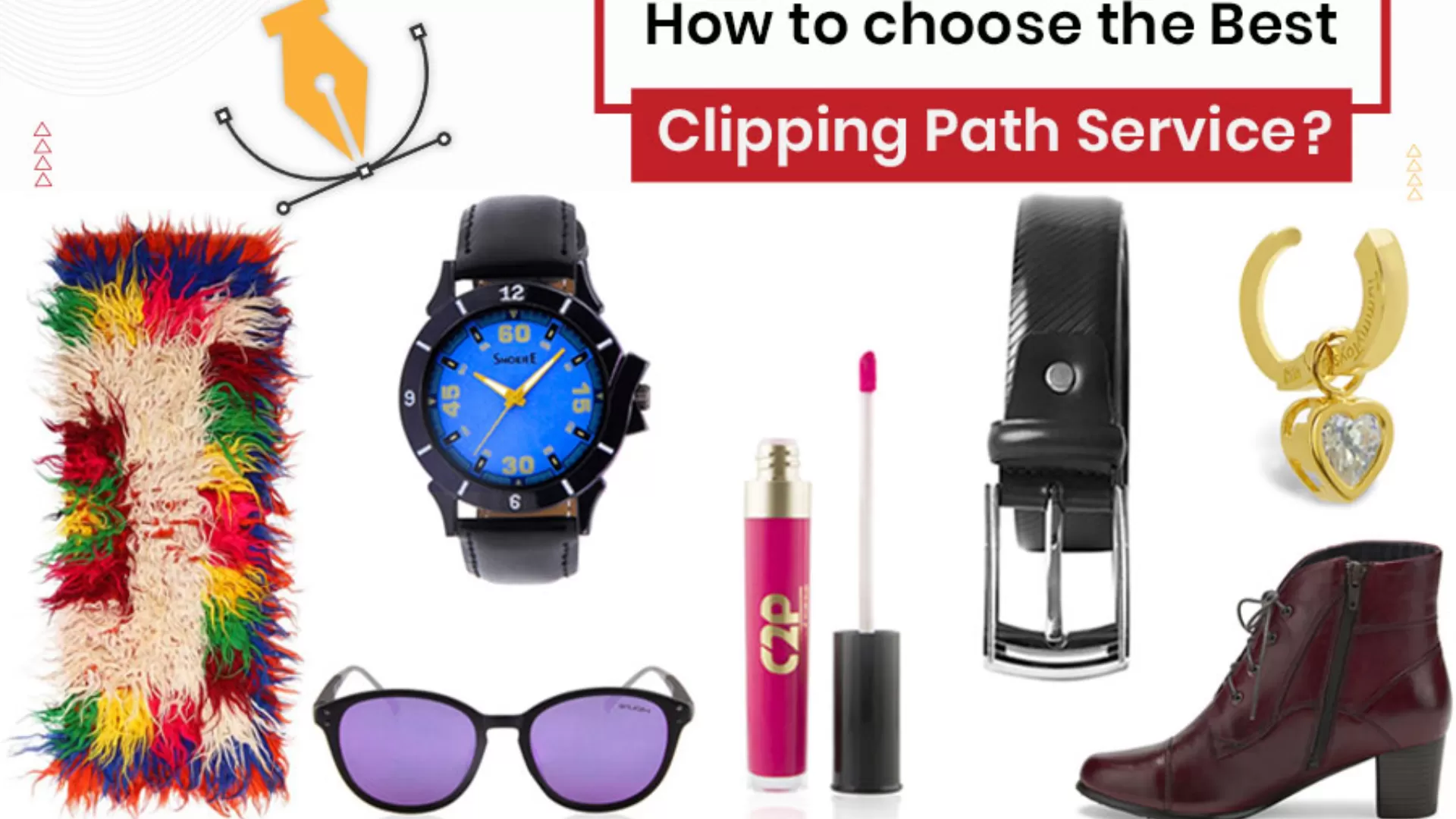
How to choose the best clipping path service?
The quality of visual content can make or break a brand in a world where...
Read More
What is the difference between Shadow and Reflection?
Suppose we begin with the possible scientific definitions of these terms then. Reflection is the...
Read More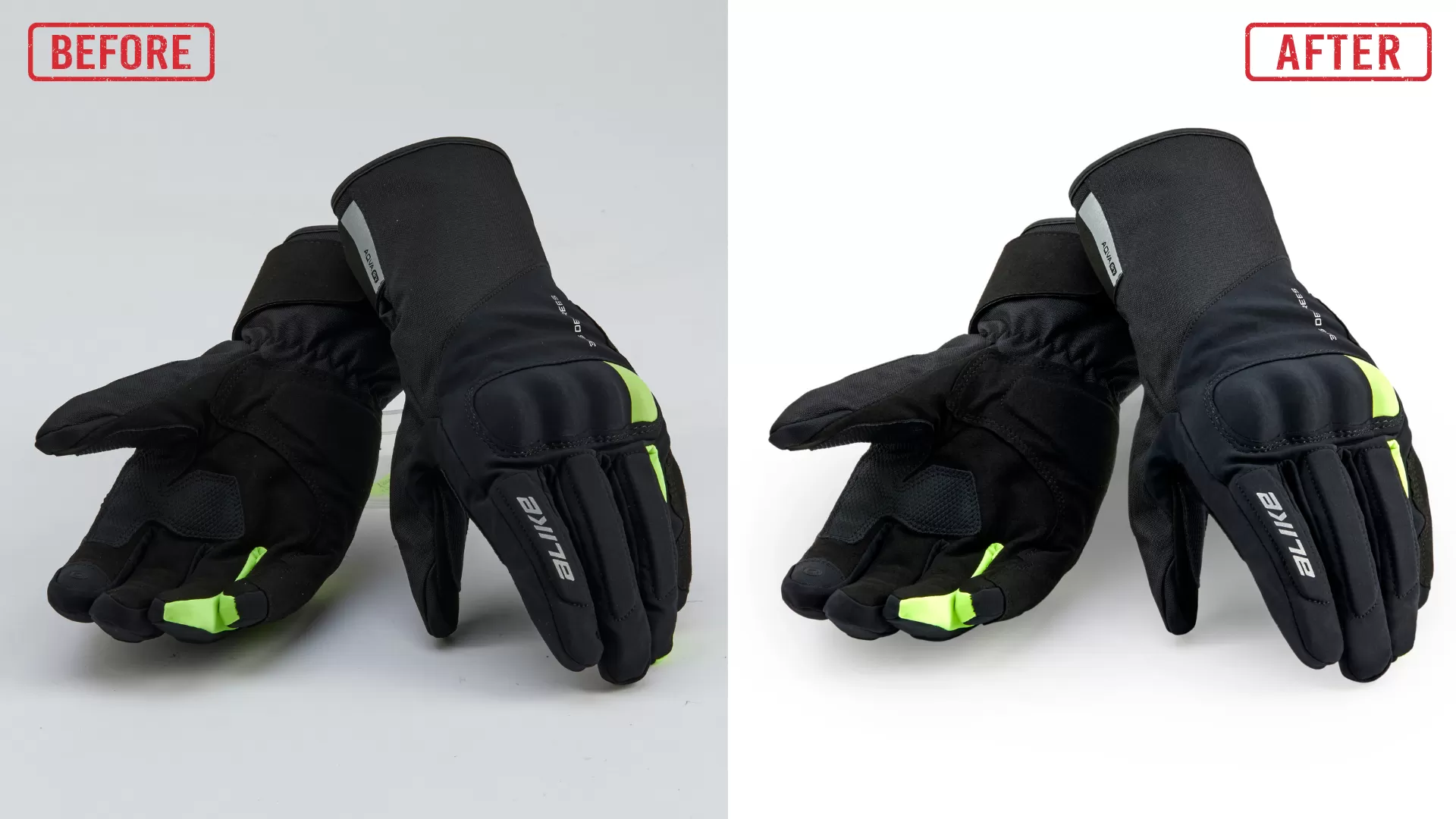
Role of E-commerce Product Image Retouching, and Editing Services
The global marketplace is increasingly shifting towards e-commerce for selling products. In this environment, advanced...
Read More
Tips to Get the Best Product Images for Your E-Commerce Websites
When you own an e-commerce website, you must understand that the business depends mainly on...
Read More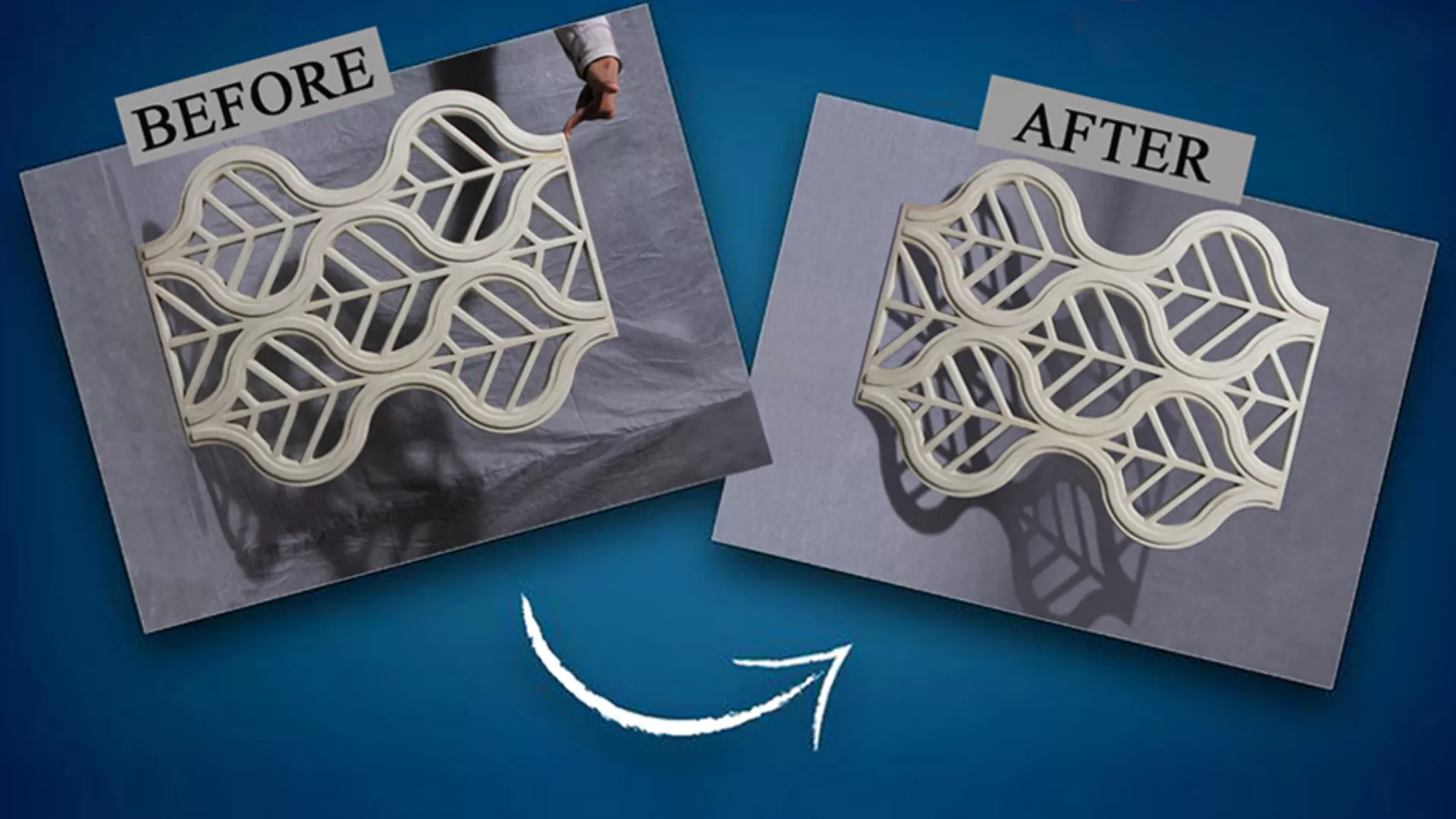
Statue Photo Retouching Online – All you need to Know
Often, we might need a specific portion in the foreground of a picture to be...
Read More
The Importance of Real Estate Photo Editing Services
The initial impression a property makes is crucial in the highly competitive real estate market....
Read More