

Photoshop vs AI Photo Editors: Complete Comparison
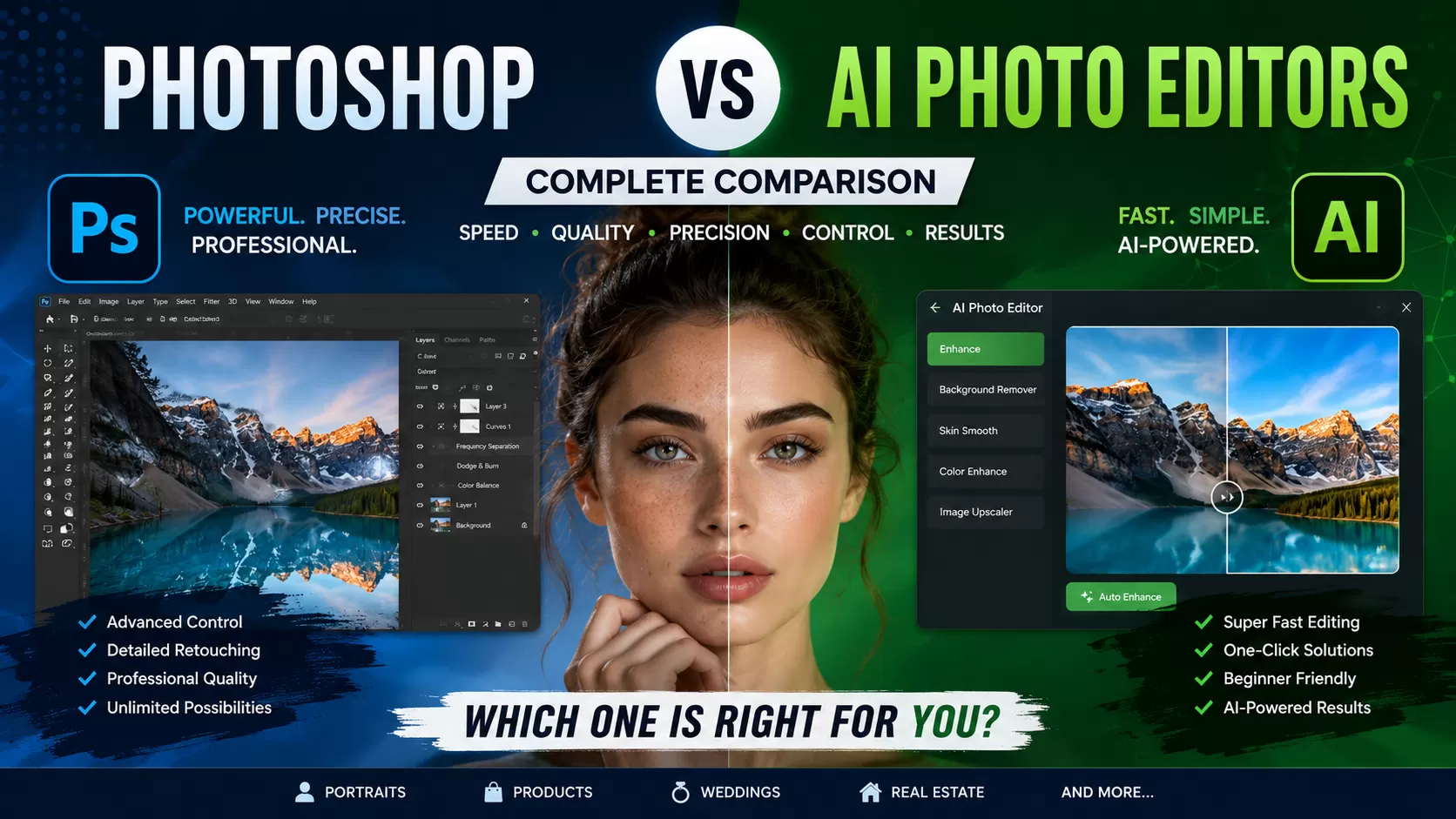
Photo editing has changed dramatically over the last few years. What once required hours inside Adobe Photoshop can now be done in seconds using AI-powered editing tools.
From automatic background removal to one-click skin retouching, AI photo editors are becoming faster, smarter, and more accessible. But one important question still remains:
Can AI photo editors truly replace Photoshop for professional-quality editing?
The answer depends on what kind of editing you need.
In this complete comparison, we’ll break down the differences between Photoshop and AI photo editors based on speed, quality, flexibility, pricing, professional use cases, and real-world editing performance.
What Are AI Photo Editors?
AI photo editors use artificial intelligence and machine learning to automate editing tasks that traditionally required manual work.
These tools can:
- Remove backgrounds automatically
- Enhance image quality
- Retouch skin
- Adjust lighting and colors
- Generate effects instantly
- Edit portraits with one click
Popular AI editing tools include:
- Canva
- Luminar Neo
- Fotor
- Remove.bg
- PicsArt AI
- Adobe Firefly AI tools
AI editors are designed mainly for:
- beginners
- marketers
- ecommerce sellers
- content creators
- quick social media editing
Their biggest advantage is speed.
What Makes Photoshop Different?
Adobe Photoshop is still considered the industry standard for professional photo editing and retouching.
Unlike AI editors, Photoshop gives complete manual control over every part of an image.
Professionals use Photoshop for:
- high-end skin retouching
- product photo editing
- jewelry retouching
- advanced masking
- shadow creation
- color grading
- compositing
- detailed photo manipulation
The biggest strength of Photoshop is precision.
Professional Quality?Human Precision+Creative Control
While AI focuses on automation, Photoshop focuses on creative freedom and accuracy.
Photoshop vs AI Photo Editors: Quick Comparison
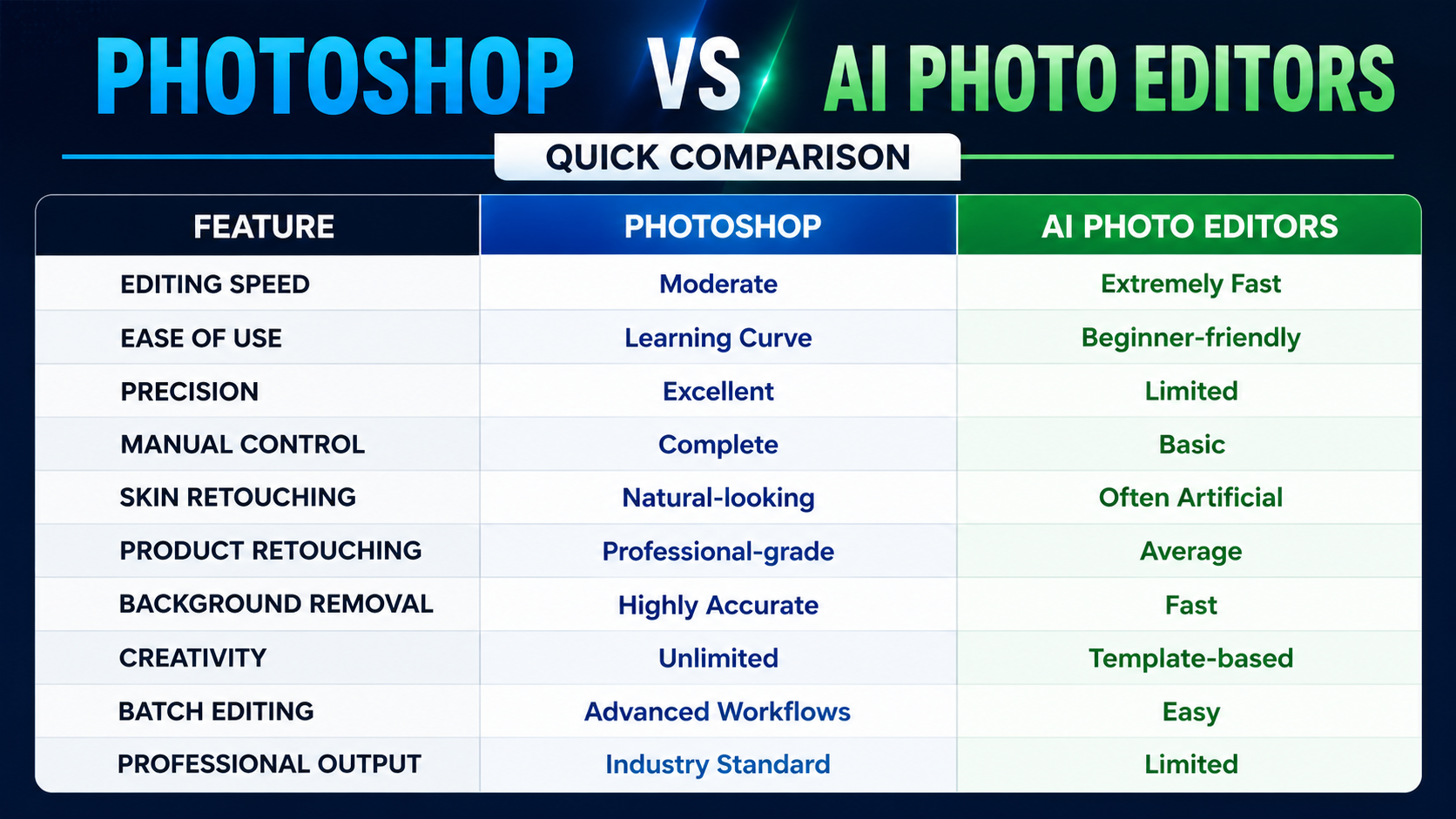
Editing Speed: AI Wins
There’s no doubt that AI tools are much faster for simple editing tasks.
An AI editor can:
- remove a background in seconds
- auto-enhance colors instantly
- smooth skin automatically
- generate presets with one click
For creators handling large volumes of quick edits, AI tools save enormous time.
Examples where AI works well:
- Instagram content
- quick ecommerce uploads
- profile pictures
- simple product photos
- social media graphics
If speed is your top priority, AI tools are extremely useful.
Editing Quality: Photoshop Still Leads
When it comes to professional-quality retouching, Photoshop still performs better.
AI editing often struggles with:
- skin texture
- hair details
- jewelry reflections
- shadows
- edge masking
- natural lighting balance
Many AI-edited photos look overprocessed or unrealistic.
Professional retouchers using Photoshop can manually refine every detail for a polished and natural result.
This matters especially for:
- fashion photography
- wedding photography
- luxury products
- beauty retouching
- advertising campaigns
Portrait Retouching Comparison
AI portrait editing has improved significantly, but it still has limitations.
AI Portrait Editing
Pros:
- fast skin smoothing
- automatic face enhancement
- beginner-friendly
Cons:
- plastic-looking skin
- loss of texture
- unnatural facial details
- inconsistent lighting corrections
Photoshop Portrait Retouching
Pros:
- natural skin texture
- detailed dodge & burn
- accurate color correction
- realistic beauty retouching
Professional portrait photographers still rely heavily on Photoshop because clients expect natural-looking results.
Product Photo Editing Comparison
For e-commerce businesses, image quality directly affects sales.
AI tools can quickly:
- remove backgrounds
- sharpen images
- adjust brightness
But professional product editing often requires:
- realistic shadows
- dust removal
- color consistency
- reflection control
- accurate clipping paths
These tasks are still handled much better in Photoshop.
This is especially important for:
- Amazon sellers
- Shopify stores
- jewelry brands
- fashion brands
- luxury ecommerce
Jewelry Retouching: A Major Difference
Jewelry editing is one area where AI still struggles badly.
Jewelry photos require:
- gemstone enhancement
- reflection balancing
- metal cleanup
- detail sharpening
- precise masking
AI tools frequently remove fine details or create unnatural shine.
Professional Photoshop retouchers manually enhance jewelry while preserving realistic textures and reflections.
That’s why high-end jewelry brands still prefer manual retouching services.
Background Removal: AI Is Very Effective
One area where AI tools perform extremely well is automatic background removal.
Tools like Remove.bg and AI masking systems can save huge amounts of time.
For basic e-commerce needs, AI background removal is often good enough.
However, Photoshop still performs better for:
- hair masking
- transparent objects
- complex edges
- shadows
- glass products
So while AI is excellent for quick edits, Photoshop remains superior for precision work.
Learning Curve: AI Is Easier
AI tools are designed for non-designers.
Most AI editors use:
- one-click buttons
- presets
- automatic enhancements
This makes them ideal for:
- beginners
- small business owners
- influencers
- content creators
Photoshop, on the other hand, takes time to master.
Learning:
- layers
- masks
- blending modes
- retouching techniques
- color grading
can take months or even years.
But the results are also far more professional.
Pricing Comparison
AI Editors
Many AI tools offer:
- free plans
- affordable subscriptions
- pay-per-image pricing
They are generally cheaper for casual users.
Photoshop
Adobe Photoshop requires a monthly subscription through Adobe Creative Cloud.
While it costs more, professionals consider it a long-term investment because of its advanced capabilities.
Can AI Replace Photoshop?
The short answer is: not completely.
AI is transforming the editing industry and making workflows faster. But professional photo editing still depends heavily on human creativity and precision.
AI currently works best for:
- quick edits
- basic enhancements
- social media content
- simple ecommerce images
Photoshop remains essential for:
- high-end retouching
- commercial photography
- beauty editing
- advanced product editing
- creative manipulation
The future is likely a combination of both.
The Best Workflow: AI + Human Editing
Today, many professional studios combine AI tools with manual Photoshop retouching.
A smart workflow looks like this:
- Use AI for speed
- Use Photoshop for refinement
- Finalize with manual quality control
This approach saves time while maintaining professional standards.
Final Verdict
AI photo editors are changing the industry by making editing faster and easier than ever before. They are excellent for beginners, quick edits, and content creation.
However, Adobe Photoshop still delivers the best results for professional-quality retouching, detailed editing, and commercial photography.
If you need speed, AI tools are incredibly helpful.
If you need precision, creativity, and premium-quality output, Photoshop is still the better choice.
Frequently Asked Questions
How to Edit E-commerce Images Using the Photoshop Pen Tool?
When it comes to online selling, it is extremely important to understand how customers perceive...
Read More
Adobe Photoshop Free Download for Windows 10
Global Photo Edit understands the power of a well-edited image. We have mastered the art...
Read More
Adobe Photoshop Elements 2024: Revolutionizing Image Editing for Professionals
The tools we use to create and edit images must also advance. Adobe Photoshop Elements...
Read More
How to Get Adobe Premiere Pro for Free in 2025 (Step-by-Step Guide)?
Adobe Premiere Pro is a fantastic video editing software that's loved by many. It stands...
Read More
Best Ways To Adobe Photoshop Download For PC (Free Version of 2024)
Adobe Photoshop continues to be a fundamental tool for both professionals and hobbyists in the...
Read More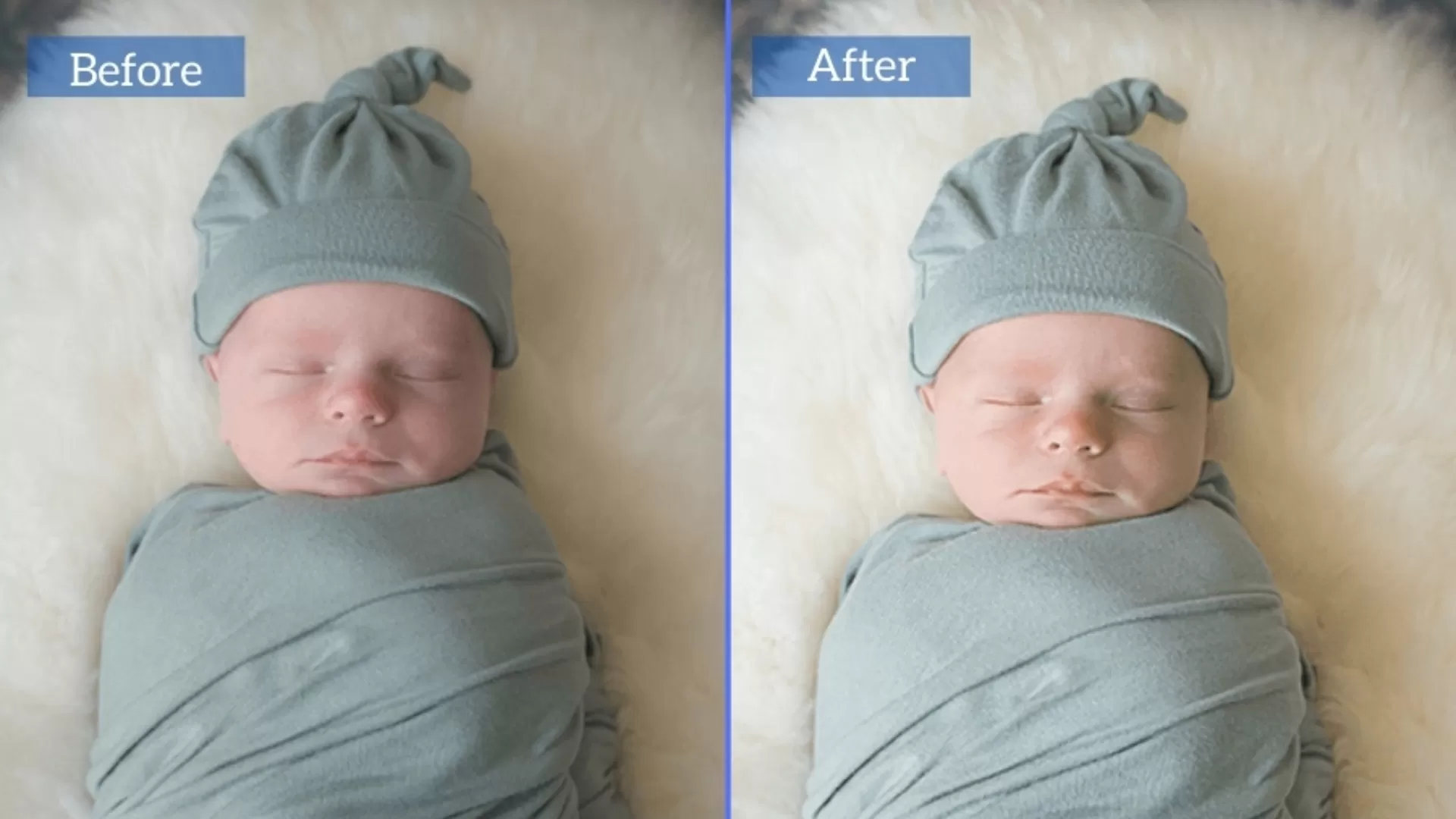
Newborn Baby Photo Editing & Retouching Tips in Photoshop
Editing the photos of a new baby is very delicate because you do not only...
Read More