

The Ultimate Guide to the Best Photoshop and Lightroom Plugins of 2025
Plugins are the ultimate game-changer enhancing any creative workflow, whether you're a professional photographer, graphic designer, or a hobbyist. Powerful though the creators may be, nothing beats the use of some third-party plugins that enrich the experience based on the way you want to do your editing. The year 2025 is perhaps more dynamic than ever, with AI-assisted enhancement taking center stage, along with UI friendliness and integration.
In this guide, we’ll talk about the top Photoshop and Lightroom plugins from AI photo enhancements, creative effects, advanced color grading, noise reduction-all the way down to which key considerations should be kept in mind while choosing plugins so that the most rewarding tools are put to work in one's workflow. Moreover, if you’re more into knowing the nuances of photo editing in Photoshop, and Lightroom, here is a detailed blog for you.
Why Use Photoshop and Lightroom Plugins?
Plugins are basically a way of enabling you to do more within the Adobe software. While Photoshop and Lightroom come with a pretty good toolkit, plugins:
- Automate repetitive tasks
- Provide one-click enhancements
- Create an effect or functionality Adobe does not have native to itself
- Create shortcuts within an editing workflow to speed up turnarounds
- Use AI-based intelligence to enhance the image beyond manual adjustment
In 2025, premium plugins were normally cross-platform, having GPU acceleration or cloud capabilities, so essentially these plugins are more good, fast, and efficient.
Top Plugins for Photoshop, and Lightroom
1. Topaz Photo AI 2025 (Plug-in for Photoshop & Lightroom)
Best for: AI-assisted image enhancement (denoise, sharpen, upscale)
Why It's Great:
As in 2025, with Topaz Photo AI, in a sense, the AI editing revolution is happening. In this newest update, it now has one platform interface combining Topaz DeNoise AI, Sharpen AI, and Gigapixel AI. Version 2025 also brings in the brilliant concept of "Autopilot," a high-level machine learning approach that analyses your image and then applies the best corrections automatically.
Key Features:
- AI-driven noise reduction and sharpening
- Face detection for targeted portrait enhancement
- Lightroom and Photoshop plug-in integration without issues
- Batch processing with little manual input
Ideal for: Wedding, wildlife, and night photographers needing to precisely sharpen or reduce noise.
2. Nik Collection 7 by DxO (For Photoshop & Lightroom)
Best for: Creative effects, color grading, and vintage film looks
Why It's Great:
Nik Collection 7, released early 2025, is the latest form of the oldest plugin suite. Equipped with eight mighty modules, including Color Efex Pro, Silver Efex Pro, and Viveza, it is considered indispensable by any creative designer. The newly introduced 2025 version comes with the promise of non-destructive editing in Lightroom through Smart Copy, additional presets, and faster rendering.
Key Features:
- More than 250 creative filters
- Advanced black-and-white conversions
- Precise U Point technology for local adjustments
- GPU-accelerated processing
Ideal for: portrait, landscape, and fine art photographers in search of very unique visual aesthetics.
3. Luminar Neo Extensions Pack 2025 (For Lightroom & Photoshop)
Best for: AI-enhanced editing and atmospheric effects
Why is it Great?
Now existing as an extension plugin, Skylum's Luminar Neo transforms AI creativity into Photoshop and Lightroom workflows. New options in the Extensions Pack this year (2025) include Focus Stacking, Panorama Stitching, Supersharp AI, and GenErase next-generation object removal.
Key features:
- AI Relight and Sky Replacement 2.0
- Supersharp AI for crisp details
- GenErase (AI content-aware removal)
- Speed-boosted editing engine
Ideal for: Landscape and travel photographers who want to add weird and nice skies and turn compositions to cleanse an image at once or thoroughly fix lighting issues.
4. Portraiture 4 by Imagenomic (Photoshop & Lightroom)
Best for: Portrait retouching for the upper echelon
Why is it great?
Traditionally going by the name of Imagenomic's Portraiture for skin retouching, the 2025 iteration makes skin smoothing even more precise while retaining texture and natural tone, with new AI Skin Tone Detection features for better batch processing and quicker workflows.
Key Features:
- Smart skin smoothing without blur
- Better edge detection
- Masking done by AI for speedy application
- Batch mode with smart skin tone recognition
Ideal for: Fashion studios, beauty retouchers, and wedding photographers.
5. RA Panels - Infinite Tools Suite 2025 (Photoshop)
Best for: Color grading at a higher level and automating workflows perfectly.
Why is it great?
Developed alongside experts in the field, Infinite Tools Suite provides a host of panels, such as Infinite Color, Infinite Skin, and Infinite Texture. The 2025 suite uses generative AI to suggest creative color grades depending on the image content.
Key Features:
- AI LUT preview
- Split toning and real-time previews
- Infinite Skin for beauty retouching
- Workflow automation for professionals
Best suited for editing, retouching, and color grading.
6. ON1 Effects 2025 (E and P)
Best for: Presets, filters, and making custom looks
Why is it great?
ON1 Effects 2025 is the ultimate collection for making your own filters and presets. The stackable interface with GPU acceleration enables you to stack, blend, and subtly refine your effects. Support of RAW files gives you a one-click look for social or commercial workflow.
Key Features:
- 100+ stackable filters
- AI adaptive presets
- Real-time previews
- Selective masking tools
Best suited for: Content creators, social media influencers, and creative pros for fast stylistic edits.
7. Noiseless AI by Skylum (Lightroom only)
Best for Advanced noise reduction using AI
Why is it great?
Noise reduction is apt for low-light and high ISO images. Noiseless AI equips Lightroom with deep-learning noise profiling for intelligent correction while preventing skin and fine detail smoothing — a common issue in traditional noise removal tools.
Key Features:
- AI denoising model trained on millions of images
- Auto noise profile detection
- Integration with the Luminar Neo ecosystem
Best suited for: Images of night, astrophotography, or dim-lit concerts.
8. Retouch4me Plugin Suite 2025 (For Photoshop)
Best for: AI-powered professional retouching
Why is it great?
Retouch4me gives standalone AI plugins for Photoshop, enabling, and automating processes of dodging & burning, eye enhancement, fabric cleaning, and more. By 2025, the plugins work with multi-thread GPU acceleration and improved neural network training for hyper-realistic results.
Key Features:
- Skin tone correction
- Eye brilliance enhancer
- Backdrop cleaning tool
- Fast batch processing for studio photographers
Ideal for: High-volume portrait and fashion studios.
9. Exposure X8 by Exposure Software (Standalone + Plugin for Lightroom/Photoshop)
Best for: Film emulation and creative editing
Why is it great?
Exposure X8 provides more than just presets since it's an advanced editor featuring film stock simulations that range from the classics like Kodak Portra, Ilford HP5, and many more. The 2025 version comes with AI masking along with new LUT tools, thus making it suitable for software-based old-fashioned type of edits.
Key Highlights:
- Advanced simulation of films
- Non-destructive RAW editing
- New smart presets with AI analysis
- Standalone and plugin compatibility
Ideal for: Analog-style editors and hybrid shooters who love the charm of film.
10. LRTimelapse 6.5 (For Lightroom)
Best for: Time Lapse Photographers
Why is it great?
LRTimelapse is still the undisputed king of smooth, flicker-free timelapse production interfaced with Lightroom. Its new version 6.5 offers AI-based flicker removal and improved metadata support for Lightroom Classic 2025.
Key Features:
- Visual preview and keyframe workflow
- AI-based flicker removal
- Smooth transitions and exposure ramps
- Export presets for 4K/8K output
Ideal for: Landscape and astrophotographers with long-term image sequences.
How to Choose the Right Plugin for You?
Here is what you need to consider while picking a plugin:
Workflow Needs: Are you into portrait, landscape, product photography, or social media content?
- AI Features vs. Manual Control: Do you lean towards automation or manual editing?
- Compatibility: Is the plugin compatible with your version of Photoshop/Lightroom (especially with regards to the 2025 updates)?
- Speed & performance: Is GPU support or batch processing something you consider necessary when going handheld with a large volume?
- Price: Most really good plugins have free trials; use the period wisely before buying one.
Worth-Free Plugins to Try in 2025
- PixelSquid (Photoshop): Drag-and-drop 3D objects
- Adobe Super Resolution (Built-in): Upscale photos in Lightroom Classic
- Infinite Luma (Free Version): Basic luminance-based grading
- Tych Panel (Photoshop): Fast photo collage and diptychs
Final thoughts: Supercharge Your Editing in 2025
2025 Photoshop and Lightroom plugins will be smarter, faster, and more powerful than ever before. Whether you want to automate retouching, explore AI creativity, or apply cinematic color grading, there is a perfect tool for your workflow.
Our Top Picks:
- General AI enhancement: Topaz Photo AI 2025
- Portrait perfection: Portraiture 4 or Retouch4Me
- Creative effects: Nik Collection 7 or ON1 Effects
- For film looks: Exposure X8
Try all these at your leisure, and be sure: plugins are no longer a nice-to-have, but rather an essential entity in the world of digital editing today. Read this blog to have a mastery in Photoshop, and Lightroom. If you’re finding it difficult to do editing by yourself, reach out to experts at Global Photo Edit.
Frequently Asked Questions
Photoshop is a highly advanced photo editing tool. It is for intricate photo manipulation, detailed retouching, and creative editing. It offers robust layers, masks, retouching tools, and advanced color correction. Lightroom, on the other hand, is focused on streamlined workflow, organization, and batch processing. It is good for photographers who need to manage and edit large volumes of photos efficiently.
If you're looking for professional assistance, contact Global Photo Edit. We offer all sorts of image editing services. Whether you need advanced skin retouching, background replacement, or color grading, these services can help bring your images to a high standard of quality that aligns with current fashion trends.
To improve your skills, it's crucial to practice regularly and explore tutorials focused on specific editing techniques. Online platforms like YouTube, Adobe’s official tutorials, and online courses provide in-depth learning on both basic and advanced editing features. Additionally, experimenting with new plugins and tools can enhance your workflow and open up creative possibilities.
Top 5 Photo Retouching Software That You Should Use in 2024
It is really hard to find the best photo editing software to improve your images....
Read More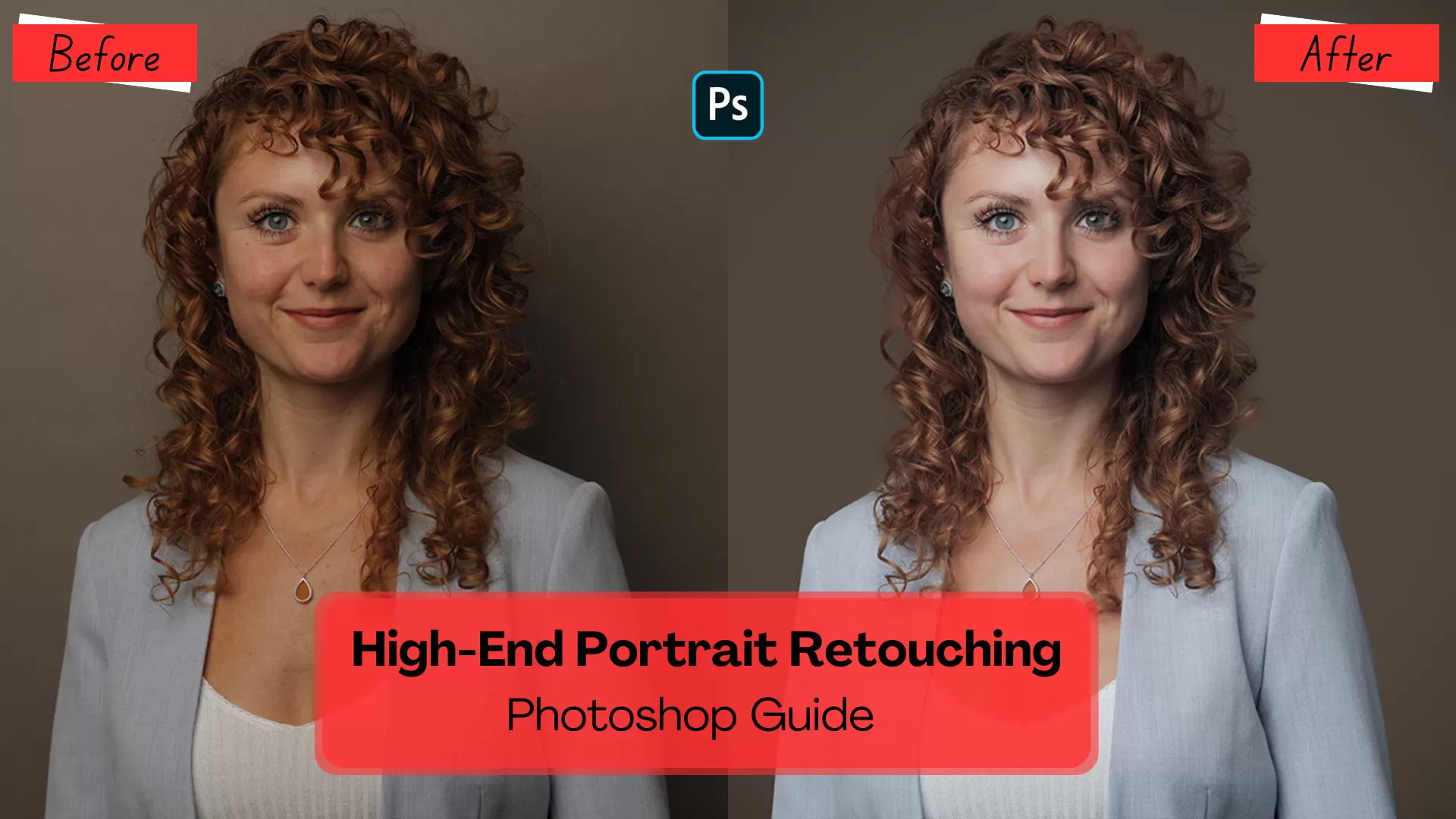
Advanced High-End Portrait Retouching: A Photoshop Guide
All those permission forms that have to be signed to modify portraits using pixel-perfect Photoshop...
Read More
How to Use the Liquify Tool in 2 Ways in Photoshop
Global Photo Edit understands the importance of having the right tools and techniques at your...
Read More
Graphic Design Tools For Various Design Teams for 2024
Graphic design transcends geographical barriers and Global Photo Edit is at the forefront of this transformation. Our...
Read More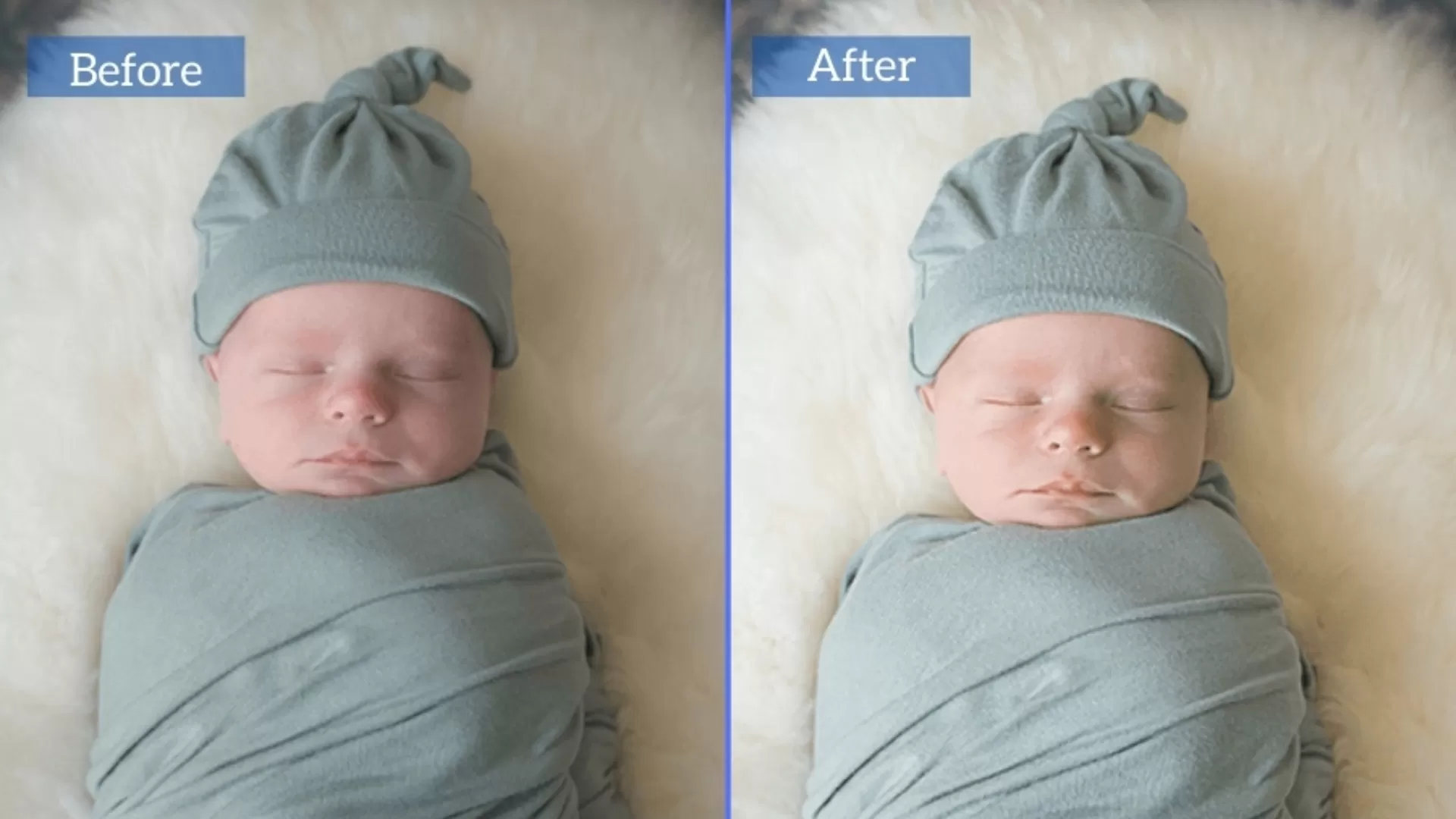
Newborn Baby Photo Editing & Retouching Tips in Photoshop
Editing the photos of a new baby is very delicate because you do not only...
Read More
How to Create Simple Manipulation With Lighting Effects in Photoshop?
Lighting effects are one of the most engaging instruments when it comes to turning the...
Read More