

Best Photo Editing Software in 2025 for Photographers

No matter whether you're a pro or a beginner photographer, editing does play an essential role in making a photo great. The photo editing scene in the year 2025 has never been so incredible, which is surely enhanced with AI-powered tools, cloud-based platforms, or simple interfaces.
This guide will give you an idea about the best photo editing software you can use in the year 2025-mostly catered for every kind of photographer from casual to commercial pros. Along with reading this blog, you may read this blog to know more about the top photo editing softwares.
The Importance of Picking the Right Editing Software
In today's fast-paced digital world, an editing program becomes an ally throughout your creative endeavour. It not only eases workflows but also helps maintain a level of consistency on all projects. Be it portrait retouching, travel imagery, or curating an entire line-up for social media, the software of your choice should match your goals as well as your level of expertise.
With the right software, just a few well-considered clicks can work wonders in turning average photographs into vibrant stories. A wise choice guarantees that your vision translates into reality in beauty, efficiency, and grace.
Photo editing is not simply increasing brightness or applying different kinds of filters. It comprises storytelling by mood, improving the composition, and emphasizing essential details. Proper software will save time, spark creativity, and help keep personal styles. But with so many approaches, which one is ideal in 2025?
Best Photo Editing Software for 2025
There are so many options available today that one can feel overwhelmed by the search for the perfect editing software. The excellent news is that 2025 has something for everyone. These tools include intelligent, automated applications that sharpen your photo within seconds, as well as cutting-edge elements that open up full creative control, making editing quicker, easier, and more enjoyable.
Whether it is fixing lighting, enhancing portraits, or creating artistic effects, the correct software can bring your dream alive. Thus, dive and explore; you may find a favourite for the year.
Here's some of what's in store for us this year, based on feature, usability, and suitability for who.
Adobe Lightroom Classic and Lightroom (Cloud-based)
Best for: Professionals and Serious Hobbyists.
Adobe is still on top of its game in the editing arena, and in 2025, Lightroom will continue to be a gold standard. Constantly updated and equipped with powerful AI tools, Lightroom makes for a very streamlined editing experience.
An intuitive interface and seamless RAW processing let photographers focus more on creativity and less on complexity. Whether it's sorting through thousands of shots or applying some fine-tuned colour grading, Lightroom handles it all in detail.
The cloud version ensures sync of edits across devices, while Classic has strong local file controls, thereby catering to both creators on the run and studio pros. From beginners polishing their first portfolio to pros sending client-ready galleries, Lightroom is still the name for anyone serious about the craft of photography. Key Features:
- AI-based presets/masking (Subject, Sky, and Background selection).
- Non-Destructive Editing.
- Sync for Mobile and Desktop (Lightroom CC).
- Batch Processing and Cloud Storage.
- Superior Noise Reduction and Lens Corrections.
New in 2025
- Auto-style generation based on editing history.
- Cloud Collaborative Editing.
Pros
- Streamlined workflow.
- Excellent RAW support.
- Cross-device syncing.
Cons
- Subscription-based.
- Integration with more advanced compositing (for that, you'll need Photoshop).
Adobe Photoshop 2025
Best for: High-end professionals, retouchers, and creatives.
In 2025, Photoshop will become more than just a photo editor; it will become a digital playground. Whether it is skin retouching done with surgical precision or assembling realistic scenes out of thin air using Generative AI, it is just like having a creative associate embedded in your screen. Photoshop now understands context, emotion, and style, making every brushstroke intelligent in its own right.
Whether designing surreal composites, restoring old photographs, or simply creating product visuals, it bends to your vision. With even better integration across Creative Cloud, we can now move from photo to layout to animation seamlessly. In other words, it's Photoshop- redefined for tomorrow.
Photoshop exalts need no speech; building far more sophisticated AI tools in 2025 for dealing with detailed work in a faster, more intuitive manner. Key Features:
- Generative Fill (AI-powered background and object creation).
- Layer-based editing and advanced masking.
- Plenty of compatibility with plugins and brushes.
- Content-aware tools and retouching features.
- 3D, animation, and video frame editing support.
New in 2025
- Generative Expand: Extension of image boundaries in reality.
- AI-driven retouching for portraits and products.
Pros
- Industry-standard for pixel-level editing.
- Unlimited adaptability.
- Perfect integration with Lightroom, etc.
Cons
- Very high learn-ability curve.
- It runs slow on old systems.
Skylum Luminar Neo
Best for: AI edits and artistic touches
For photographers on the go, Luminar Neo jumps to the head of the pack through its speed, AI magic, and ease of use without compromising quality. Highlights:
- AI sky replacement.
- Relight AI and skin retouching tools.
- Image-analysis-based preset recommendations.
- Layer-based edits.
- Portrait enhancements and background removal.
2025 Release
- GenErase: AI object removal that intelligently fills backgrounds.
- Scene relighting using depth detection.
Pros
- It's cheap yet powerful.
- Perfect for speed editing and bulk enhancement.
- Gorgeous, contemporary interface.
Cons
- Not as many features as Photoshop would have.
- Slower with large RAW files.
Capture One Pro 23/24
Ideal For: Studio, Fashion, and Commercial Photographers.
Capture One has one of the best colour grading systems, as well as tethered shooting support and terrific RAW processing.
Key Features:
- Best in the industry for colour and layer adjustments.
- Tethered capture for studio workflow.
- Session and catalogue workflows.
- Customizable keyboard shortcuts and workspaces.
- Noise reduction along with lens correction.
New in 2025
- AI mask creation.
- Multi-image editing sync for product photography.
Pros
- Unmatched raw capture quality.
- Highly professional colour tools.
- It is the best-tethered capture system.
Cons
- It's pretty pricey.
- The new user's learning curve is steep.
Affinity Photo 2
It is most suitable for professionals and creative enthusiasts on a budget. Affinity Photo 2 is not just one of the best alternatives to Photoshop but also costs quite a bit less-one-off editor that punches well above its weight. The key features include:
- Edited Layers and Masks.
- RAW Processing.
- Frequency Separation for Retouch.
- HDR Panoramas and Batch Processing.
New in 2025
- AI Image Cleanup Tools.
- Enhanced Performance for ARM Devices.
Pros
- No subscription.
- Professional Tools.
- Fast and lightweight.
Cons
- Not very intuitive for beginners.
- No cloud sync or mobile support.
Canva Pro (Photo-Editing Features)
Best Option for: Social Creators and Intuitive Edits
Even though it began as a design tool, Canva's photo-editing features are stunning for the marketing content and social media era of 2025. Salient features:
- Background removal.
- One-click enhancement.
- AI-based image-generating and editing.
- Instagram, YouTube, and ad templates.
- Cloud storage and team sharing.
Pros
- User-friendly.
- Fast edits.
- Best for Social Media Content.
Cons
- Limited manual controls.
- Not suitable for RAW workflow.
ON1 Photo RAW 2024/2025
Best for: Complete editing and organizing
ON1 Photo RAW is a complete digital photo software that is comparable to the tools offered by Lightroom, along with Photoshop-like features as an independent photo editor. Key Features:
- Tools for AI masking and portrait.
- Editing with layers as well as filters.
- HDR, panorama, and focus stacking.
- Asset management and keywording.
- Plugin support for Photoshop and Lightroom.
New for 2025
- Resize AI 3.0 for better upscale.
- AI NoNoise and tack-sharp refinements.
Pros
- Subscription-free.
- Suitable for both beginner and advanced users.
- It is regularly updated, and lots of tutorials are available.
Cons
- Interfaces can be overly complicated.
- Export speeds can be a bit slower compared to the others.
Picsart Photo Editor
Best for: Casual editors and mobile-first creators.
Picsart enjoys popularity among its massive user base for its filters, collage-making capabilities, and creative freedom. Key Features:
- AI filters and background removal.
- Templates and collage layouts.
- Creation tools for video and gifs.
- A platform for mobile and web.
Pros
- For mobile editing, the best.
- Quick, fun, and creative.
- It has social sharing built-in.
Cons
- Limited for professional workflows.
- Free version with a watermark.
The Future Trends of 2025 in Photo Editing Softwares
- AI-enhanced automation: Tools like Luminar, Lightroom, Photoshop, etc., now make extensive use of AI for the removal of complex editing steps.
- Cloud-first workflows: Cloud sync and collaboration are set to become necessities of remote teams.
- Mobile and hybrid editing: More are expected from applications that link desktop with mobile editing.
- The blending of creative effects and realism: Editors balance realism with creative flair, thanks to AI blending and neural filters.
Conclusion
When it comes to 2025, there are excellent opportunities in photography. Be it complete manual control or quick instant-one-click magic to client collaboration tools, there will surely be an editor that will fit all photographer requirements. Don't mind testing them. Most of the platforms nowadays have free trials. Find the system that suits your creative rhythm, and let your pictures tell their best story as well.
That’s it for this blog on best photo editing softwares. Thanks for reading this blog, now check this blog for more information. If you’ve any other queries or if you don’t want to go into the nitty gritty of photo editing softwares, outsource your needs to Global Photo Edit.
Global Photo Edit is a dynamic and expanding company that delivers a full spectrum of image editing services. We consistently aim to surpass expectations, proving our dedication and value to a worldwide clientele.
Our collaborations span diverse industries, including photo studios, photographers, e-commerce, real estate, jewelry, fashion designers, magazines, and newspapers.
Frequently Asked Questions
Global Photo Edit stands out by offering a full spectrum of image editing services tailored to meet the needs of photographers from various industries, including e-commerce, real estate, fashion, and more. Our focus on customer satisfaction and quality assurance ensures that each project is handled with precision and care, helping our clients achieve professional results.
We offer a broad array of photo editing services including:
- Portrait retouching
- Background removal
- Color correction and grading
- Product photo enhancement (for e-commerce)
- Real estate photo enhancement
- Jewelry photo editing
- Fashion and magazine-style retouching
- HDR, panorama, and focus stacking editing
You can easily reach out to us via our website’s contact form, email, or by calling our customer service. Our team is always happy to discuss your project and provide recommendations for your photo editing needs.

Product Photography Trends to Try
The business competition has gone up to an extensive level. Now the markets are open...
Read More
How AI Background is Changing the Future of Product Photography and Photo Editing in 2025?
Artificial Intelligence is changing the product photography due to its ability to create a large...
Read More
Product Photography for E-Commerce: What is New in 2025?
There has been so much change in e-commerce photography over the years; things can't get...
Read More
The Complete Guide to E-commerce Product Photography
It is true that e-commerce is becoming even more competitive in an online world of...
Read More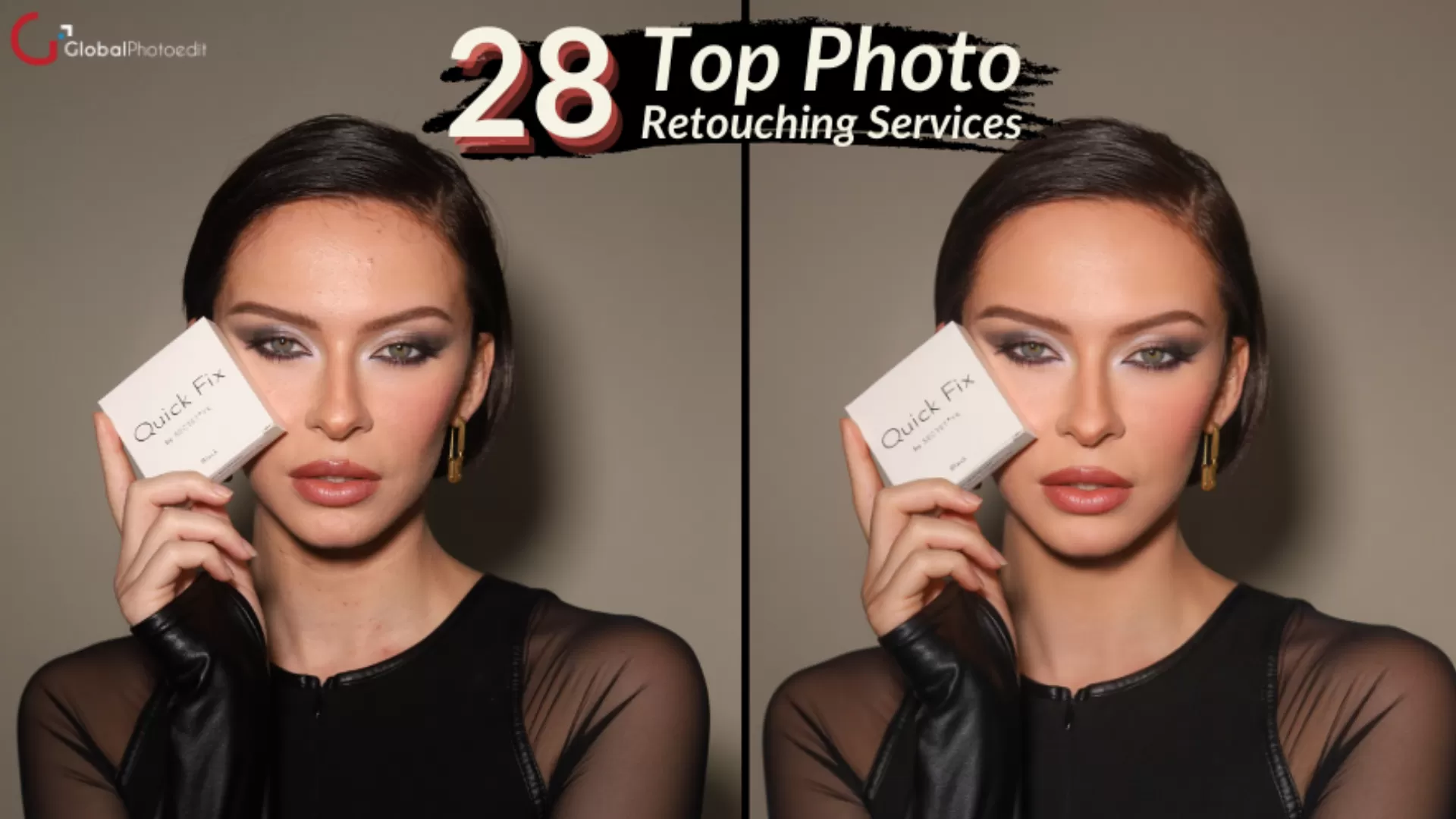
28 Top Photo Retouching Services For Photographers in 2024
Photography is not just about capturing moments but also about creating everlasting memories. The demand...
Read More
Lifestyle Photography Tips – How to Take Lifestyle Photos
Lifestyle photography is a type of portrait photography that aims to artistically document a situation...
Read More